Back-up Email Accounts before a domain transfer.
Note: If you are transferring from a cPanel based provider, send a mail to support@registerdomain.co.za and we will investigate a possible server-side migration for you.
If you do not meet the above indication, the steps are as follows (*Use at your own discretion):
1.1.) Open Outlook
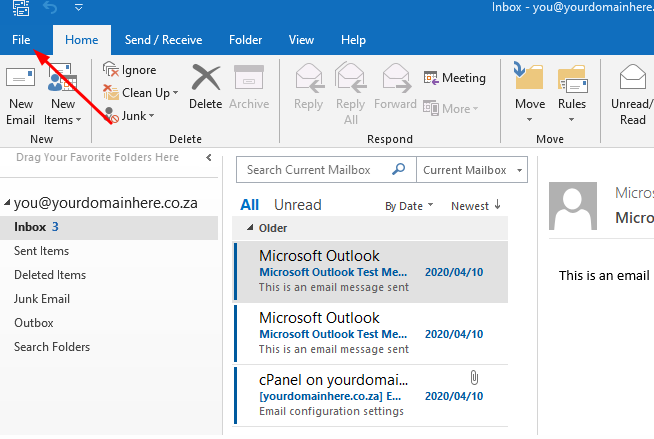
1.2) Click on the File tab:
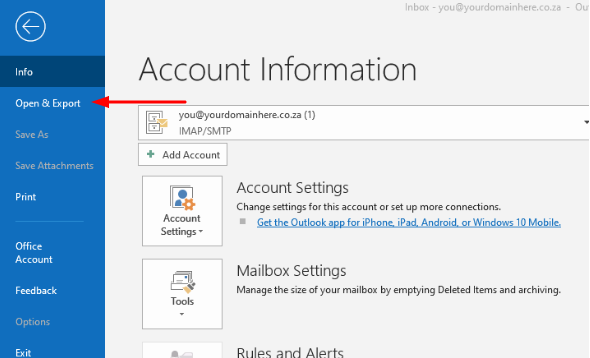
1.3) Select "Open & Export"
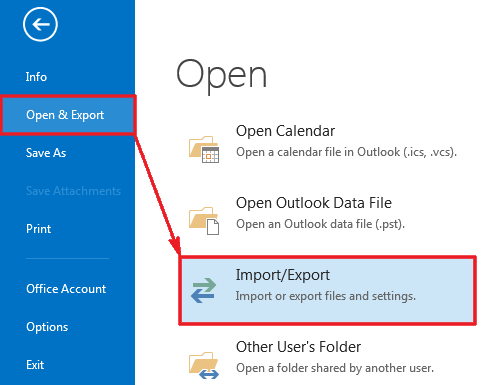
1.4.) Click on "Import/Export"
1.5.) Now select " Export to a file"

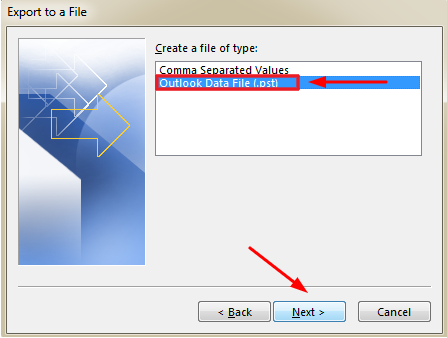
1.6.) Choose "Outlook Data File" and select "Next"